
Platform
Platform
One connected system for production screens, devices and live workflows.
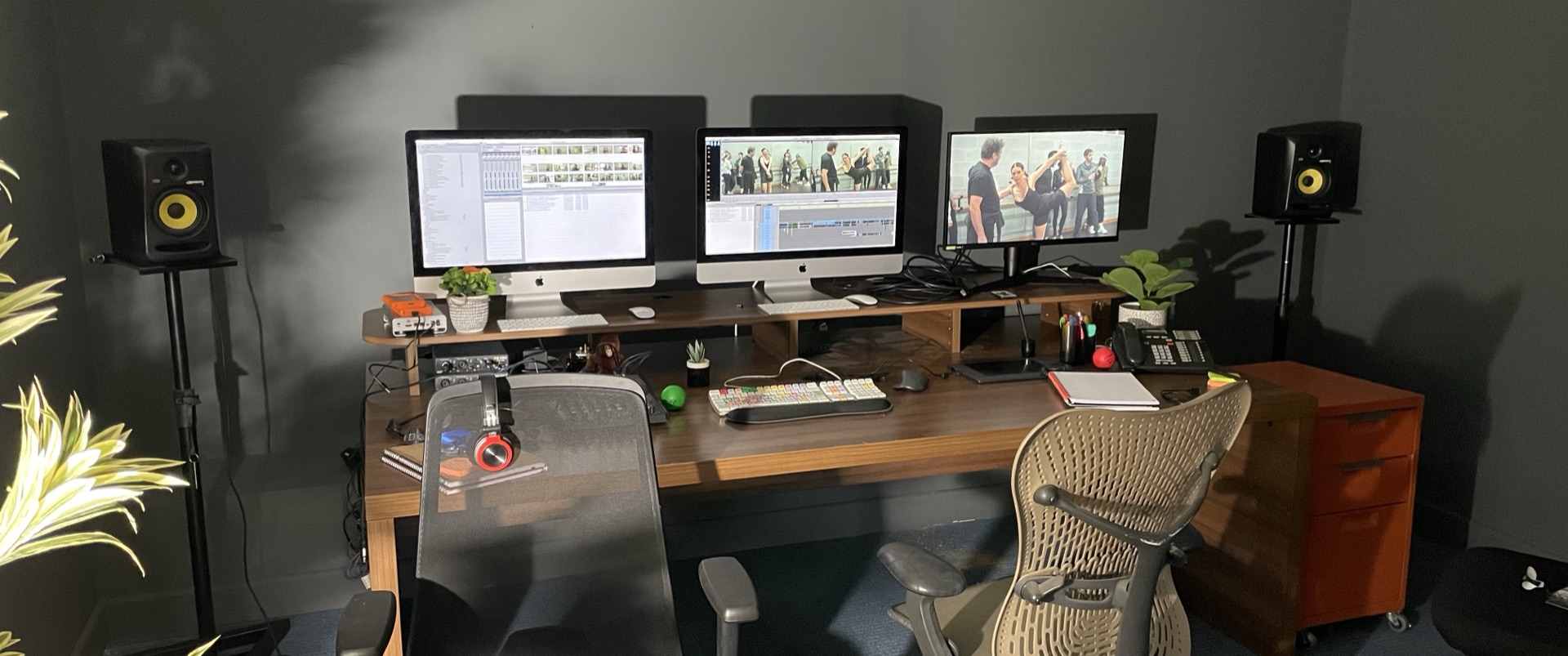
The FilmKode platform brings screen design, app building, device control, live video, review rooms and fleet management into one production-focused workflow.
It is designed for jobs where a simple mock-up is not enough. A production may need character phones, laptop screens, monitor walls, live calls, remote review, device control, local operation and continuity across multiple shoot days. FilmKode connects those pieces so the work can be prepared, operated and supported properly.
The platform is built around the full life cycle of production screen work: brief, design, build, test, deploy, shoot, revise, review, restore and wrap.
For clients, that means less patchwork, fewer fragile workarounds and a clearer way to manage screens from prep through to delivery.
App Builder
Custom screen content built in-house for phones, tablets and computers.
FilmKode’s in-house app building system allows us to create bespoke screen content for the devices used on production.
This can be used for simple phone screens, detailed character apps, laptop interfaces, monitor-wall layouts, interactive tablet screens and more complex scripted experiences. The system supports visual building, custom design, live preview and deeper custom work when a scene needs something unusual.
For phone and tablet work, this means apps can be created around the exact story requirement rather than relying on generic layouts. For computers and larger displays, it means fictional software, dashboards, playback screens and multi-screen setups can be built and prepared in the same production workflow.
Where a scene needs a more native iPhone feel, FilmKode can also build polished mobile experiences that feel natural on the device, with attention to movement, spacing, system-style detail and how the interface photographs on camera.
Dashboard
The control room for every screen and device.
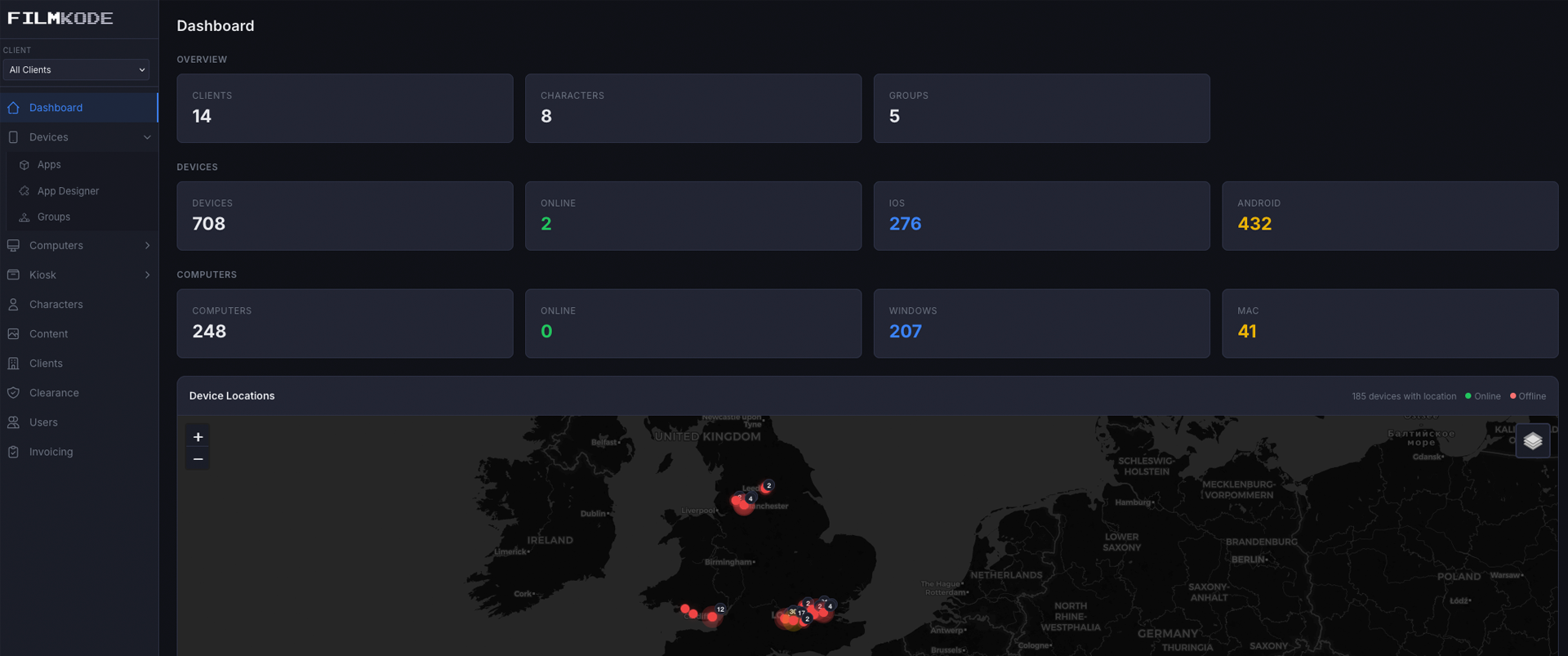
The FilmKode dashboard gives operators a central place to manage the screen work during prep and on set.
Devices can be paired, named, assigned, monitored and controlled. Apps can be sent to the right device, screens can be checked, cues can be triggered, and operators can see what is ready before the camera rolls.
For productions with many screens, this matters. A phone in one scene, a laptop in another, a tablet on a desk and a monitor wall in the background can all be treated as part of the same controlled workflow.
The dashboard helps replace loose handovers, scattered files, manual resets and uncertain device states with a clearer operational view.
Continuity
Character screen worlds that can travel with the story.
Screen continuity matters. A character’s phone may need to carry the right messages, contacts, calls, photos, browser history, wallpapers and app states across scenes, episodes, blocks or reshoots.
FilmKode can keep that content connected to the character rather than only to one physical device. If a phone changes, the character’s screen world can move with it. If a previous scene needs to be recalled, the right screen state can be found and restored.
This is especially useful for series work, recurring characters and productions where screen details are part of the story. It helps the script supervisor, props team, art department and operators keep the digital world consistent.
Versions
Change quickly, restore safely.
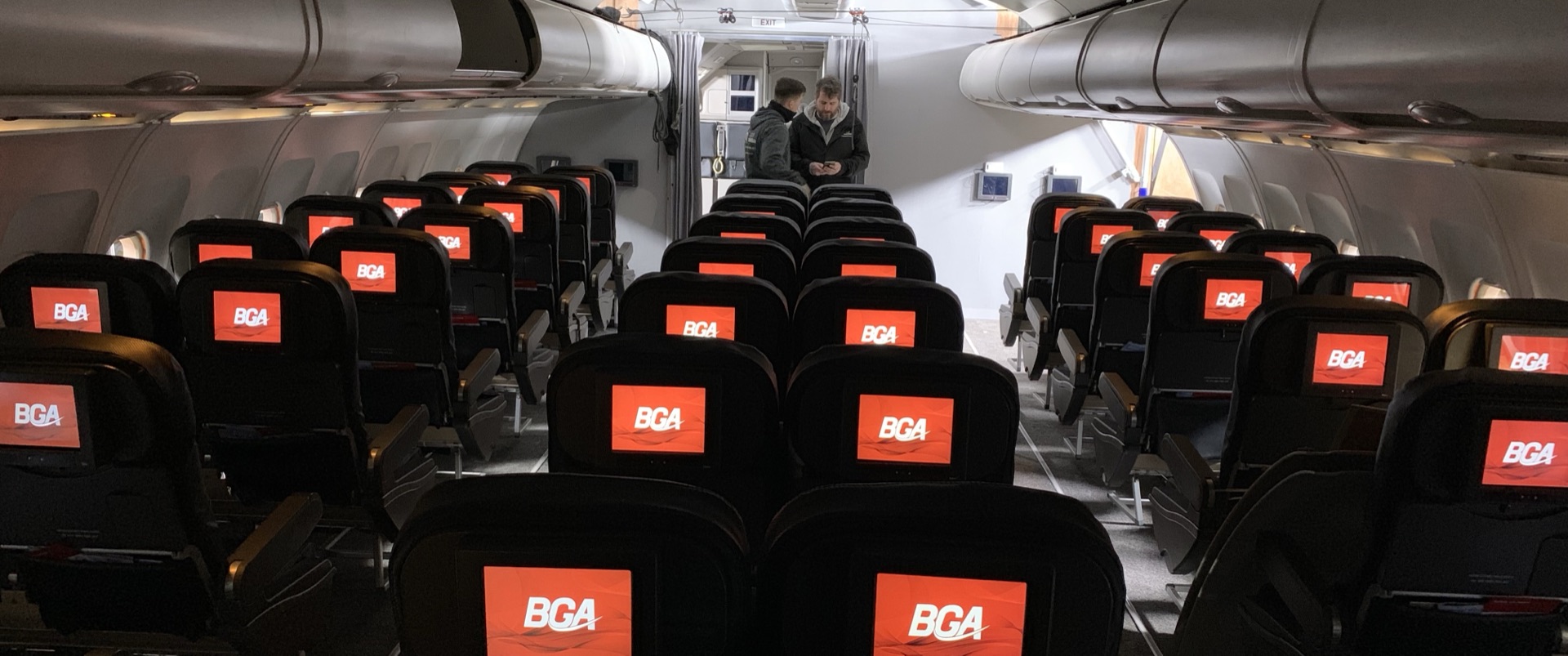
Productions change constantly. A name may need clearance changes, a director may prefer an earlier layout, a client may request a new version, or a reshoot may need the exact screen state from a previous day.
FilmKode supports versioning and restore workflows so screen content can evolve without losing approved work. Builds can be updated, reviewed, sent and brought back when needed.
This gives productions freedom to move quickly while still protecting continuity and approvals. The system is designed for the reality of production: change is normal, but losing the right version is not.
Mobile Apps
Real phones and tablets, controlled for production.
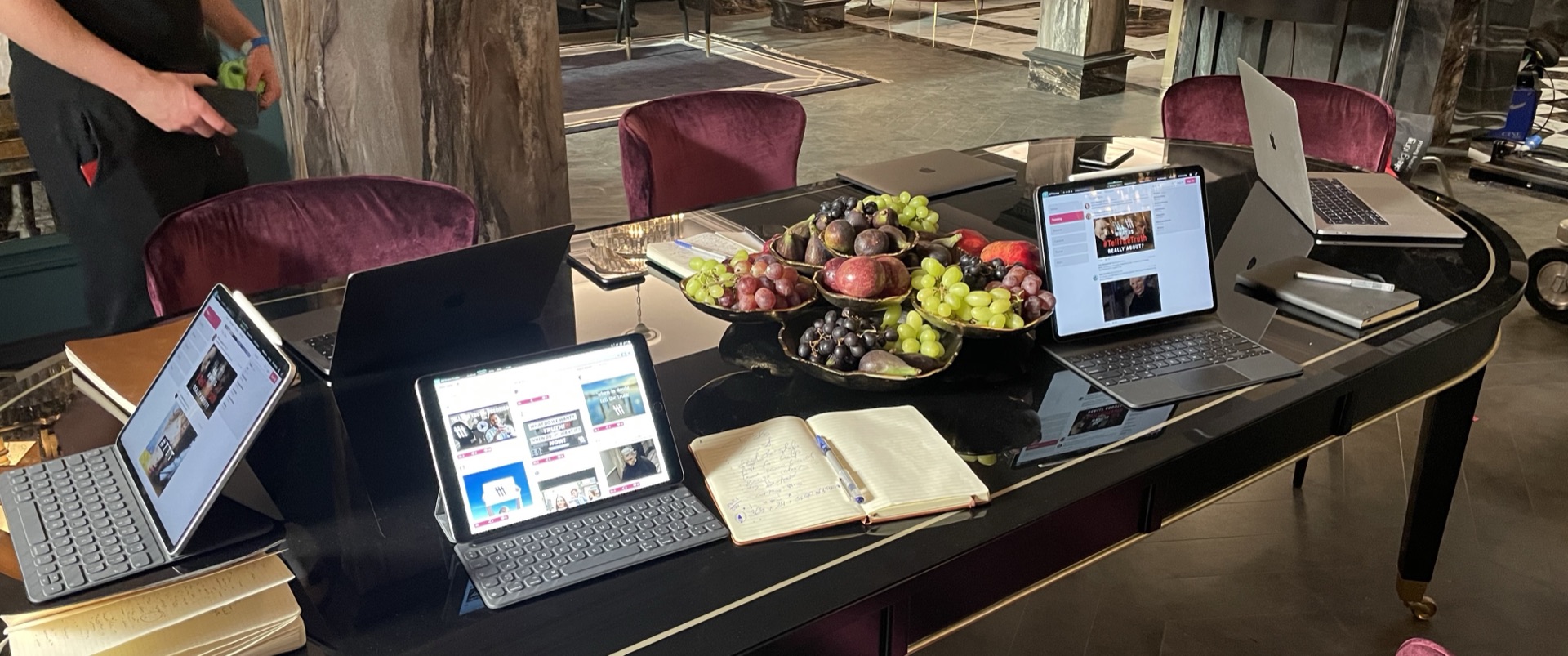
FilmKode runs on real mobile devices, including phones and tablets used on camera or behind the scenes.
For prop work, mobile devices can show character content, scripted apps, calls, messages, videos and live cues. For production use, they can also become monitors, controllers, review devices or part of a managed fleet.
Using real devices helps the result feel more natural. Actors can tap, hold, scroll and react to something physical. The camera captures real screen light and movement, and the production has more control over what happens during the take.
FilmKode can support iPhone, iPad and Android workflows depending on the needs of the job.
Desktop Apps
Computers, displays and monitor walls brought into the same workflow.
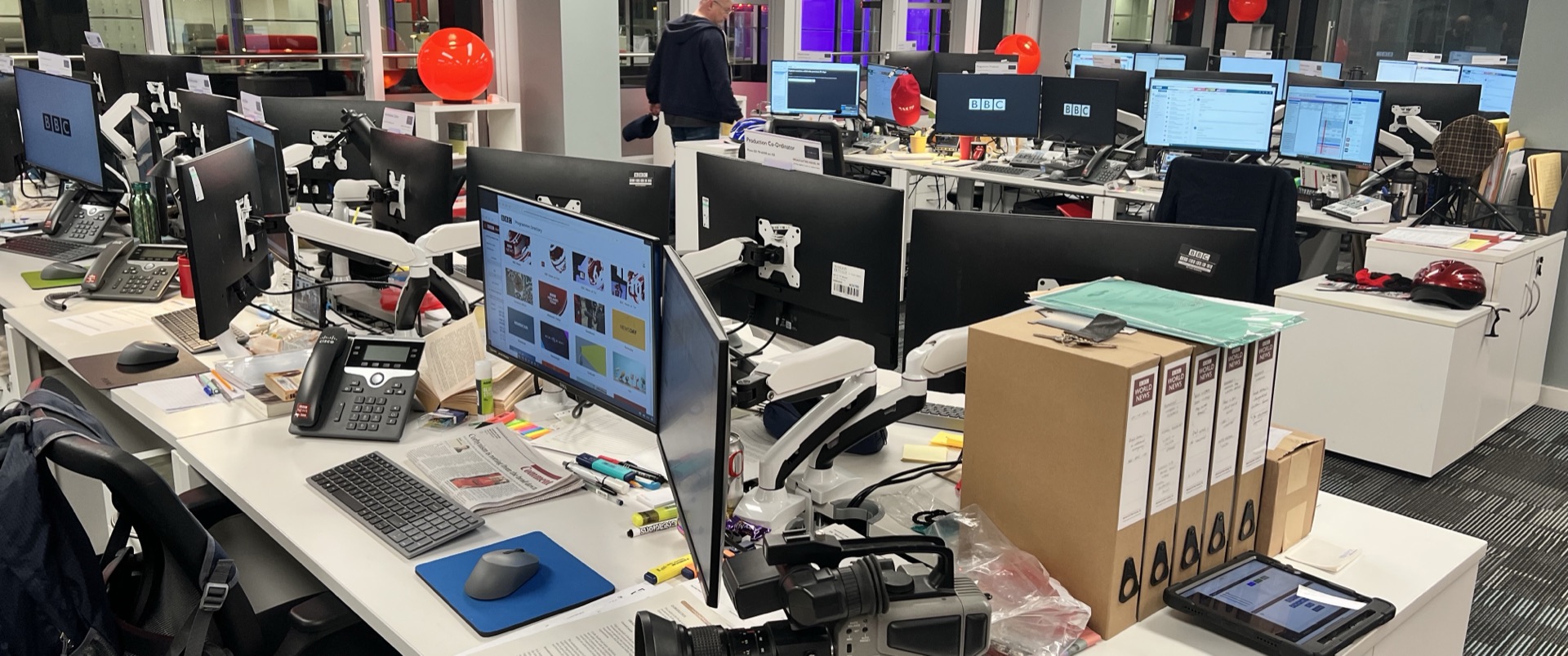
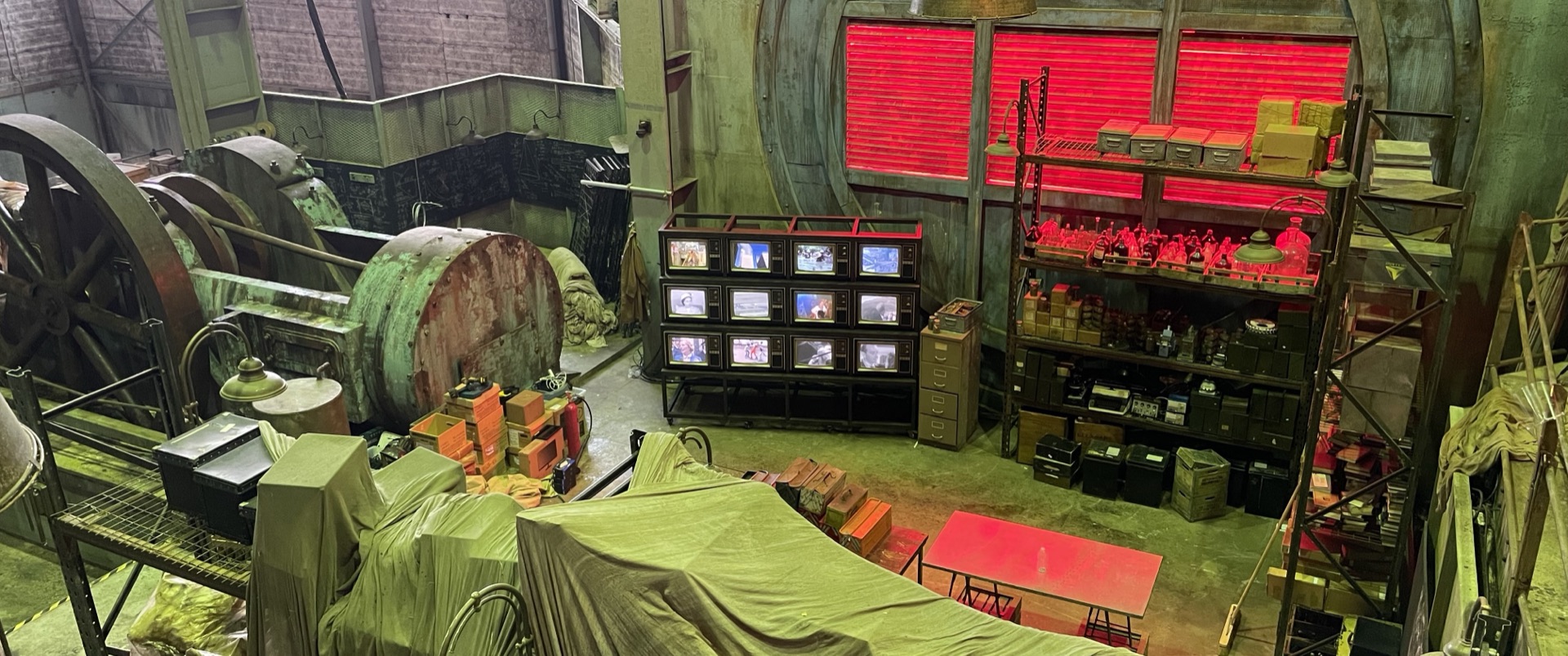
FilmKode also supports desktop and fixed-display workflows for laptops, Mac and Windows computers, kiosks, monitor walls and larger screen environments.
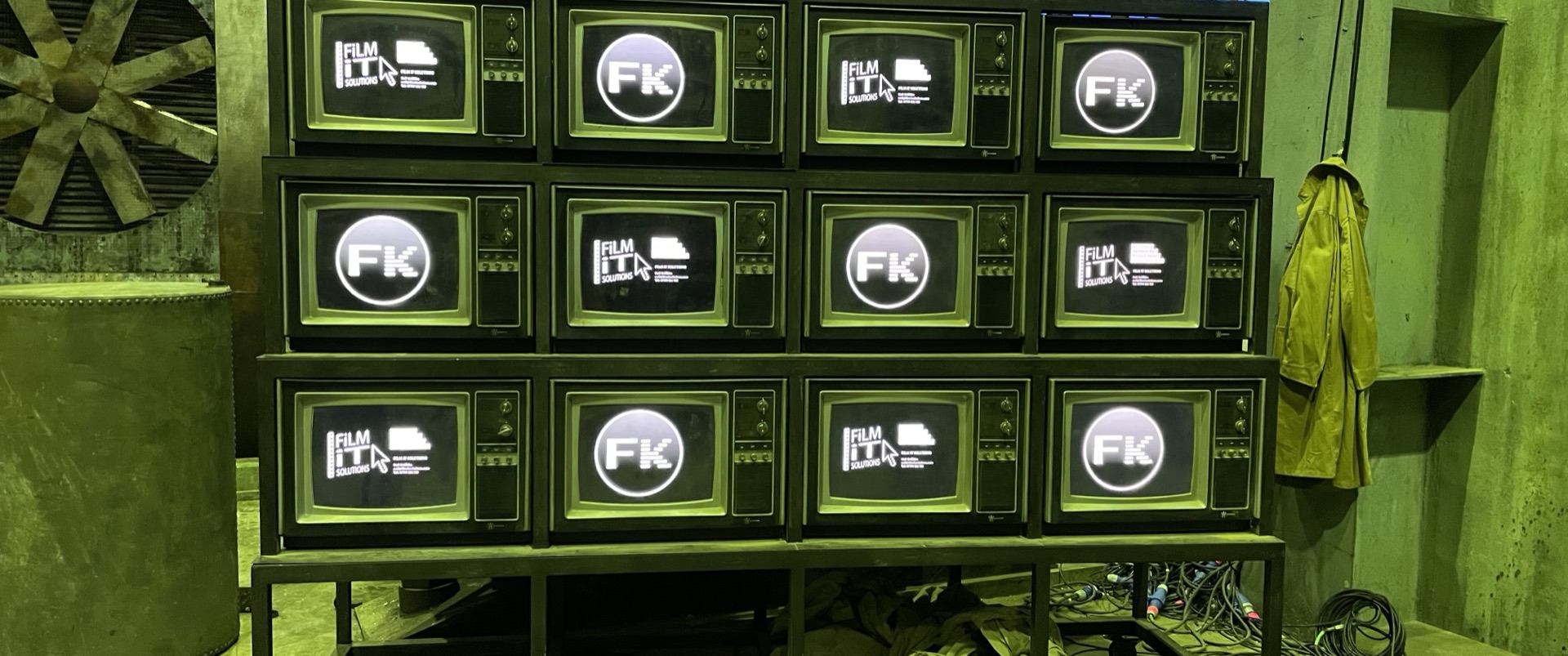
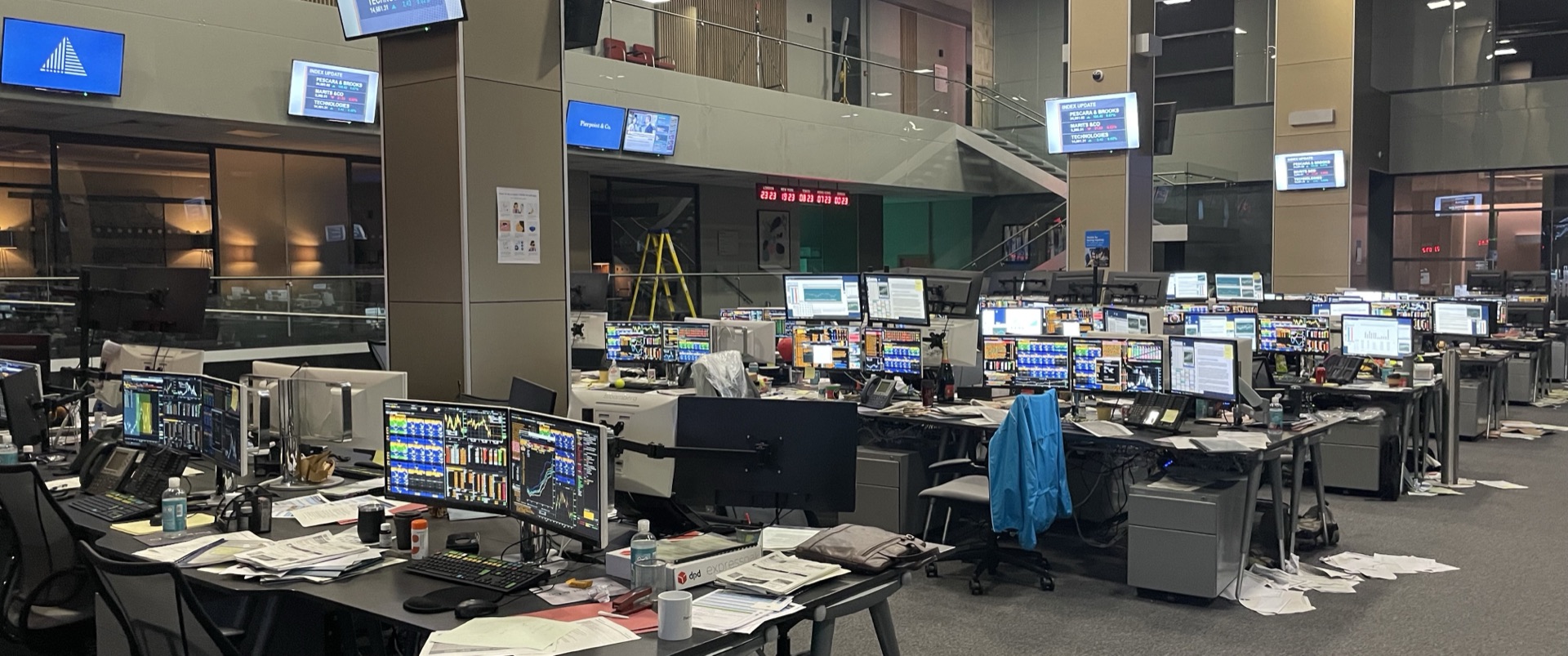
This is useful when a production needs a believable computer interface, a control-room setup, a newsroom wall, a bank of monitors, a visitor kiosk or a multi-screen stage. Content can be prepared, assigned, displayed and controlled as part of the same wider FilmKode system.
For complex screen scenes, this keeps handheld devices and larger displays working together rather than being managed as separate one-off setups.
Live Video
Video feeds inside the scene and across the production.
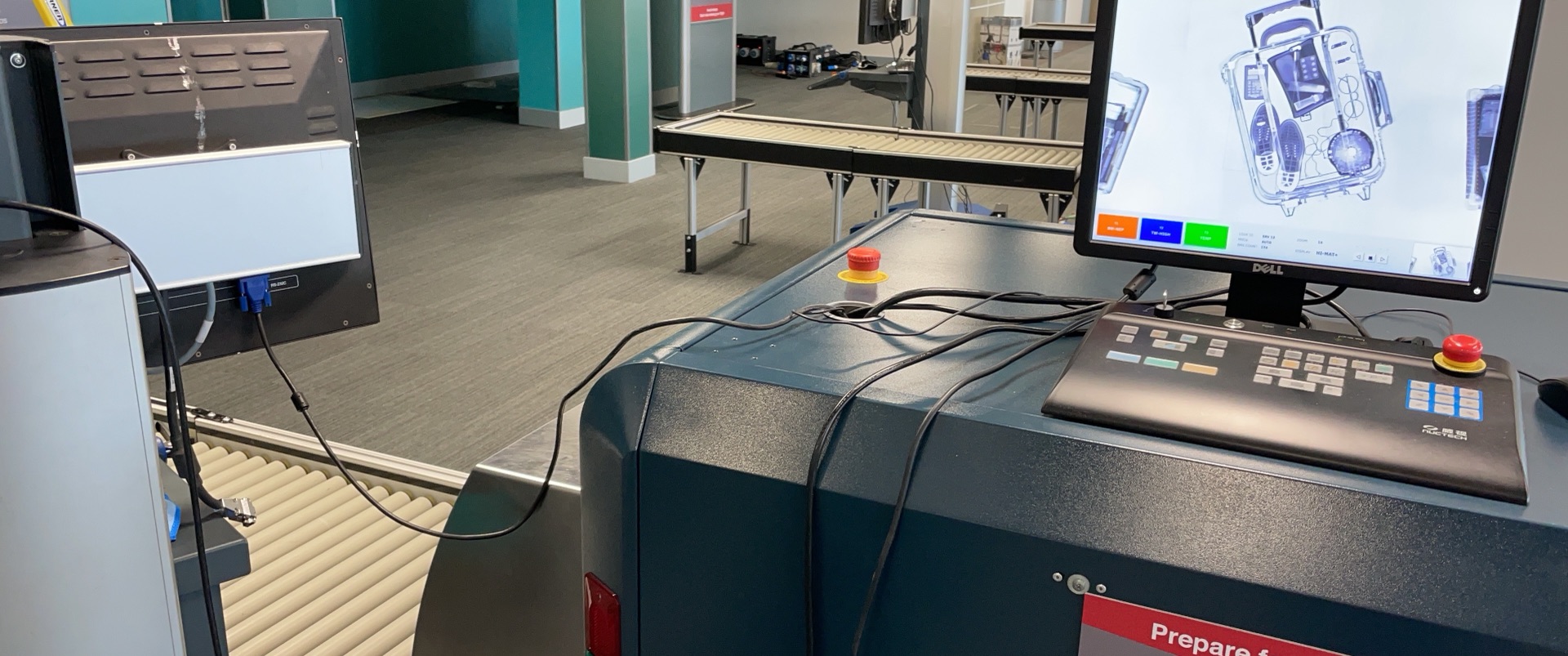
The FilmKode platform supports live video when screens need to show something happening now.
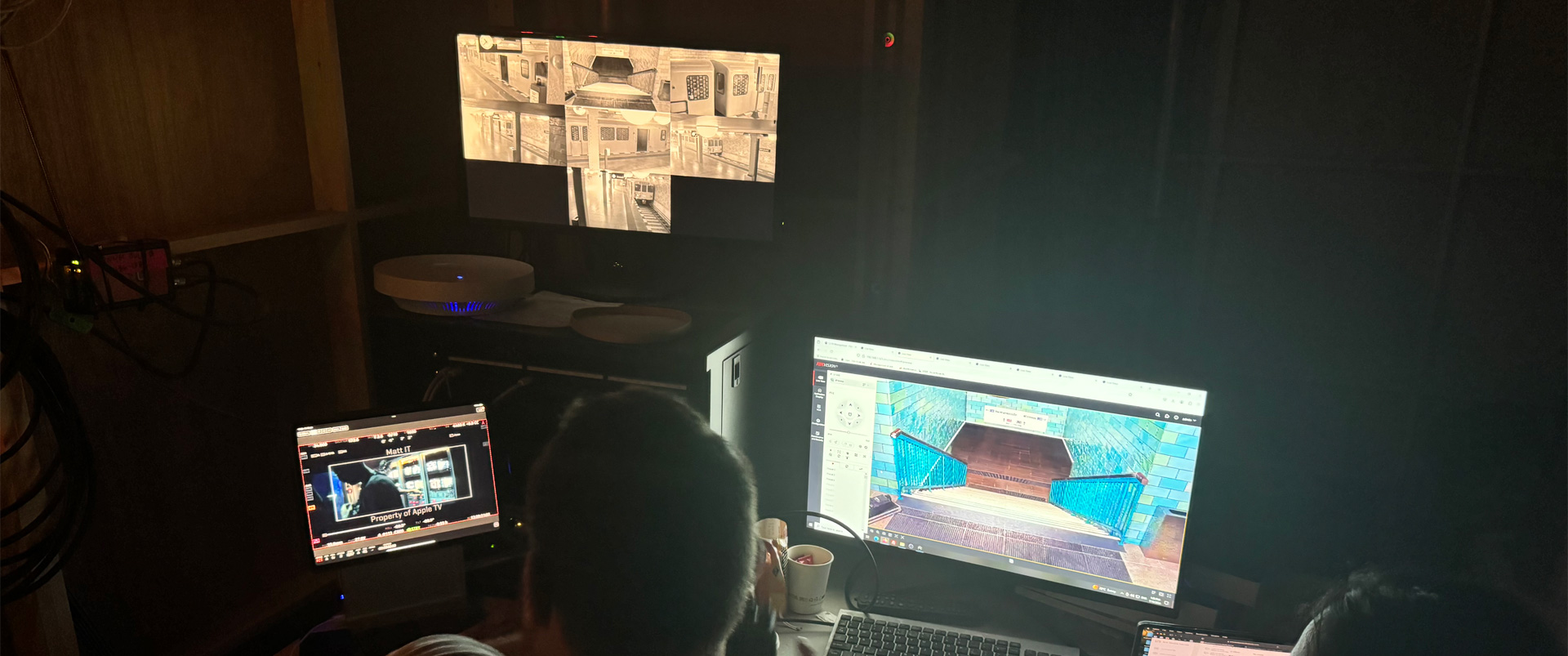
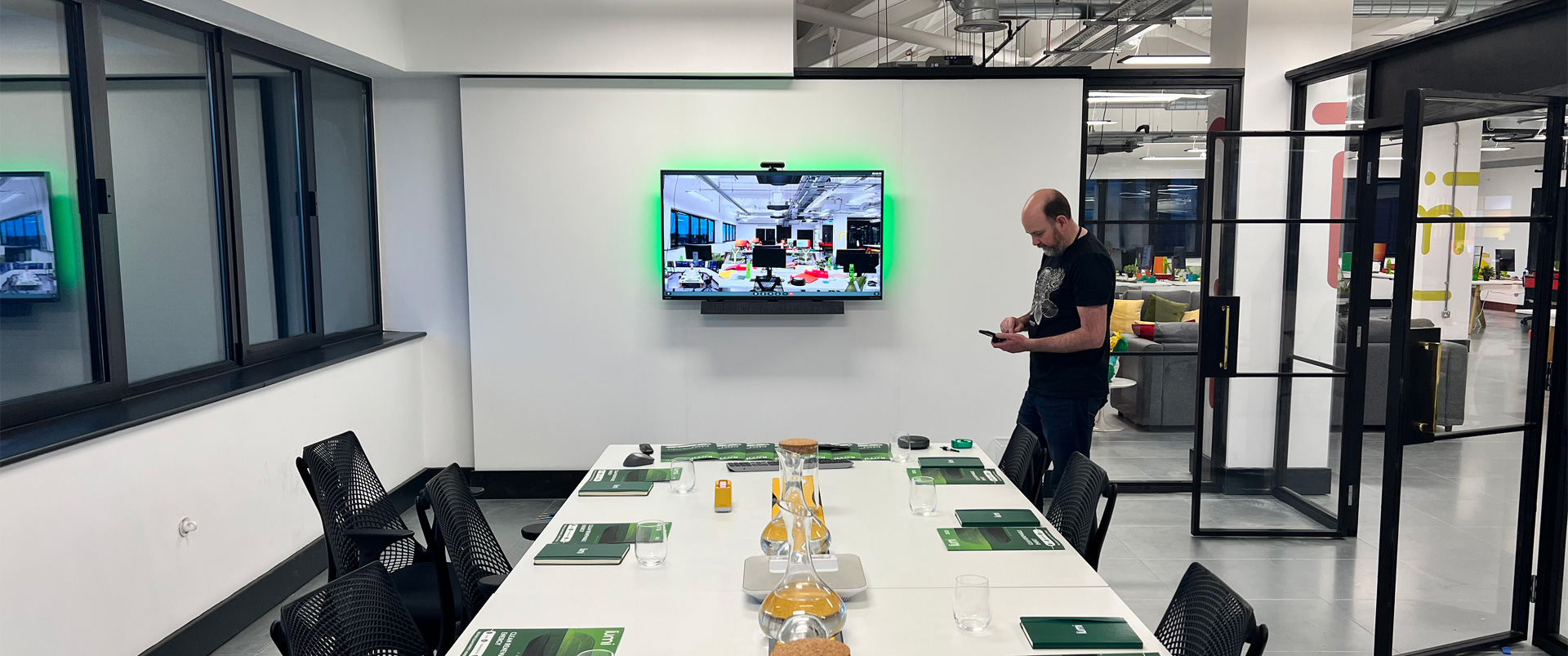
That might be an in-story video call, a live feed from another room, a CCTV-style shot, a fictional broadcast, a camera source sent to a tablet, or production monitoring for crew and clients.
Live video can also support remote review and collaboration. Directors, producers, agencies and clients can see selected feeds or join review sessions without relying on a patchwork of separate tools.
The aim is to make video part of the controlled production workflow, not a fragile extra layer that has to be rebuilt every time.
Local Server
A self-contained setup for locations with no reliable internet.
FilmKode can run locally on set when the production needs a self-contained system.
This allows devices, screens, apps and live video tools to work together on a local network without depending on the outside internet. For location shoots, closed sets, temporary unit bases and restricted environments, this can be the difference between a controlled workflow and a fragile one.
A local setup can support the crew on the ground, while cloud-connected options can still be used when remote clients or review teams need access.
The platform is designed so productions can choose the deployment shape that suits the job: local, cloud-connected or a mixture of both.
Device Management
Managed production devices from prep to wrap.
FilmKode can support the full life cycle of production devices.
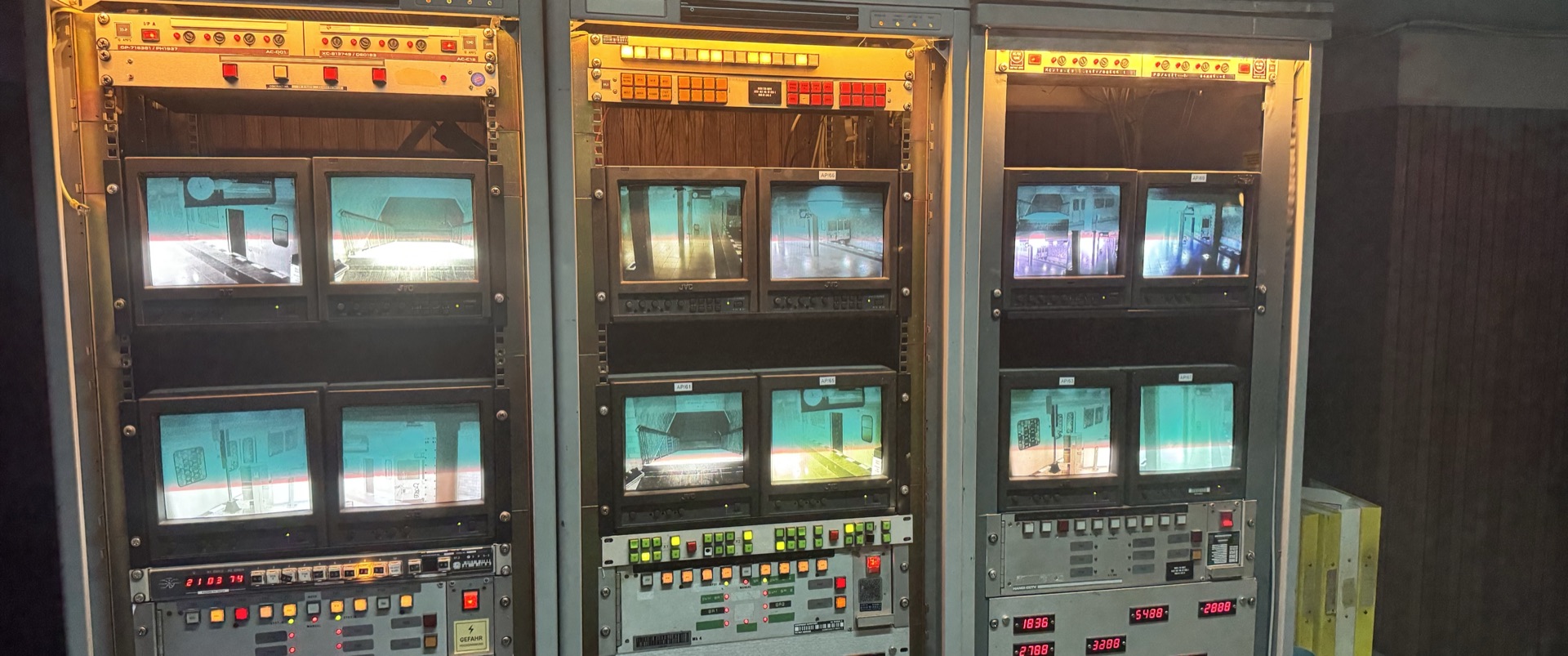
Devices can be prepared, enrolled, assigned, monitored, updated, restricted, reassigned and retired. For small jobs, that may mean keeping a few hero phones ready. For larger productions, it may mean managing fleets of iPhones, iPads, Android devices, computers and fixed displays across departments, clients or locations.
This is especially useful when devices are moving between actors, props, crew, stages, venues or events. The production can see what is in use, what is ready, what needs attention and what should no longer have access.
FilmKode’s device management is built around production reality, not just office IT. It supports fast change, clear assignment and better control over the devices that matter to the job.
Security
Control access to sensitive screen work.
Productions often handle unreleased material, confidential story details, talent information, agency work, legal review and sensitive client content. FilmKode is designed to help control who can see, change and operate the work.
Users can be given access based on their role. Devices can be approved, blocked or revoked. Productions can be separated from each other, and sensitive areas can be kept away from users who do not need them.
The public-facing principle is simple: the right people should have the right access at the right time.
FilmKode helps protect the screen work without making the production process harder than it needs to be.
Workflow
From first brief to final wrap.
FilmKode is strongest when it is involved across the full journey of the job.
That can begin with a script or creative brief, then move into screen design, app building, device preparation, testing, deployment, shoot-day operation, review, revision and wrap. The same team and platform can support the work as it changes.
For one production, that might be a single hero phone. For another, it might be a full series of character devices, laptops, monitor walls, live video feeds and review rooms. For an event, it might be a synchronised visitor experience across a stand.
The workflow scales around the job, but the principle stays the same: careful design, controlled delivery and proper support when the work needs to be ready.
Need a screen, device or live system to work for production?
Tell us what the scene, shoot or experience needs to do. FilmKode can help shape the right approach, build the system and support it through delivery.
Contact FilmKode